Currently there are no notifications.
Thank you for your interest in our software
Step 1: Install Mold EX-Press installer for "Plastic Mold" (Ver. 4)
You can now download the installation file:
Step 2: Install the latest updater
To get our newest product line-up, install the latest updater for "Press Mold" afterwards:
Installation Notes
Note 1
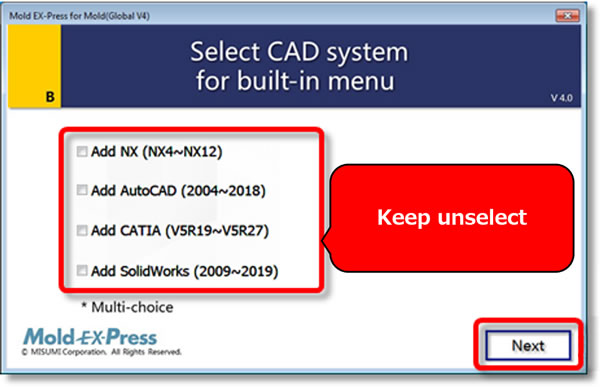
For VISI, CADmeister, or ZW3D users, please do not select the CAD system, click the "Next" button directly. For more details, please visit: Mold EX-Press Support
Note 2
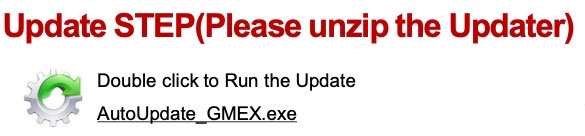
For the customers who download the updater, please click only the "AutoUpdate_GMEX.exe" file - no other .exe files.