Due to global supply conditions, delivery times are changing rapidly. Placing your order is the only way to secure your delivery time. If you need parts sooner, please feel free to check our alternative products. We thank you for your understanding and patience.
Thank you for your interest in our software
Step 1: Mold EX-Press installer for "Press Die" (Ver. 4)
You can now download the installation file:
Step 2: Install the latest updater
To get our newest product line-up, install the latest updater for "Press Die" afterwards:
Installation Notes
Note 1
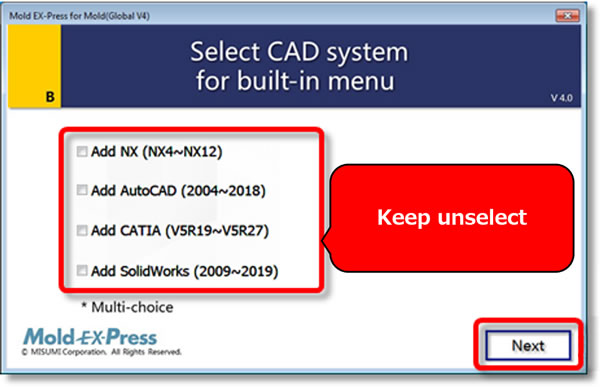
For VISI, CADmeister, or ZW3D users, please do not select the CAD system, click the "Next" button directly. For more details, please visit: Mold EX-Press Support
Note 2
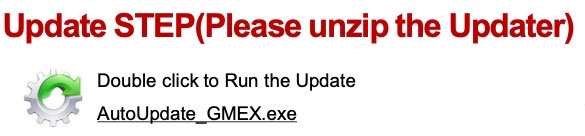
For the customers who download the updater, please click only the "AutoUpdate_GMEX.exe" file - no other .exe files.